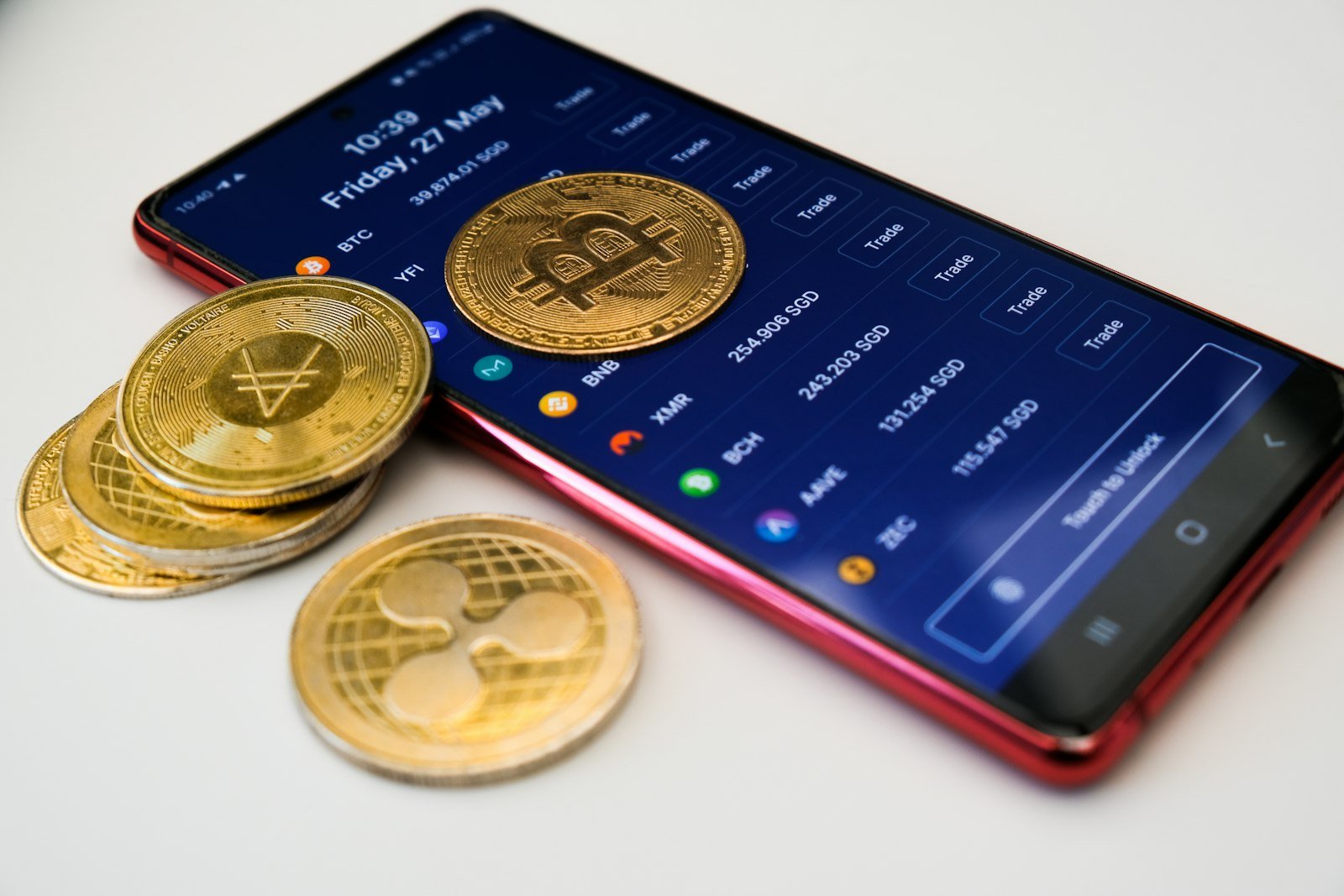
Here’s something that surprises a lot of people the first time they hear it: your crypto isn’t actually in your crypto wallet. The coins live on a blockchain, a public record copied across thousands of computers around the world. What your wallet really holds is a secret key, the bit of information that proves the coins are yours and lets you move them.
That one detail explains almost everything else about wallets, including why losing a 12-word phrase can mean losing everything, and why nobody can “reset your password” for you.
We’ll keep this practical: how wallets work, the main types, how to pick one that suits you, and the mistakes that account for most lost crypto. It’s written to help you understand, not to tell you what to buy, so treat it as education rather than investment advice.
Quick answer: A crypto wallet stores the private keys that control your cryptocurrency. Custodial wallets (like an exchange account) hold the keys for you; non-custodial wallets let you hold them yourself. Hot wallets are apps connected to the internet and are convenient for small amounts; cold wallets, such as hardware devices, keep keys offline and are safer for larger amounts. Whatever you choose, never share your recovery phrase with anyone.
Last updated: 16 November 2026 · Reviewed by the Insight Tech Talk editorial team
In this guide
How a crypto wallet works
Every wallet is built on a pair of keys:
- Public key and address: derived from your public key, the address is what you share so people can send you crypto, like an account number.
- Private key: a secret number that signs transactions and proves ownership. Anyone who has it can move your funds, and there is no bank to reverse the transfer.
Most modern wallets represent your private keys as a recovery phrase (also called a seed phrase) of 12 or 24 ordinary words. If your phone is lost or your device breaks, those words restore your wallet on a new device. That also means anyone who sees them can take everything.
When you send crypto, the wallet uses your private key to sign the transaction and broadcasts it to the network. The blockchain records it permanently. Nothing is “inside” the app; the app is a key manager and a window onto the blockchain.
Custodial vs non-custodial wallets
Before anything else, there’s one big question to answer: who holds the keys, you or a company?
| Custodial | Non-custodial (self-custody) | |
|---|---|---|
| Who holds the keys | A company, usually an exchange | You |
| Forgot your password? | Account recovery through the company | Only your recovery phrase can restore access |
| Main risk | The company is hacked, freezes withdrawals or goes bankrupt | You lose your phrase or are tricked into revealing it |
| Good for | Beginners, frequent trading, small amounts | Long-term holding, using apps and DeFi, full control |
| Examples | Accounts at Coinbase, Binance, Kraken and similar exchanges | MetaMask, Phantom, Trust Wallet, hardware wallets |
Crypto users often say “not your keys, not your coins”: if an exchange holds your keys, you depend on that company staying solvent and honest. Several large exchange collapses, most famously FTX in 2022, left customers unable to withdraw. Self-custody removes that risk but makes you fully responsible for security.
The main types of wallets
Hot wallets (connected to the internet)
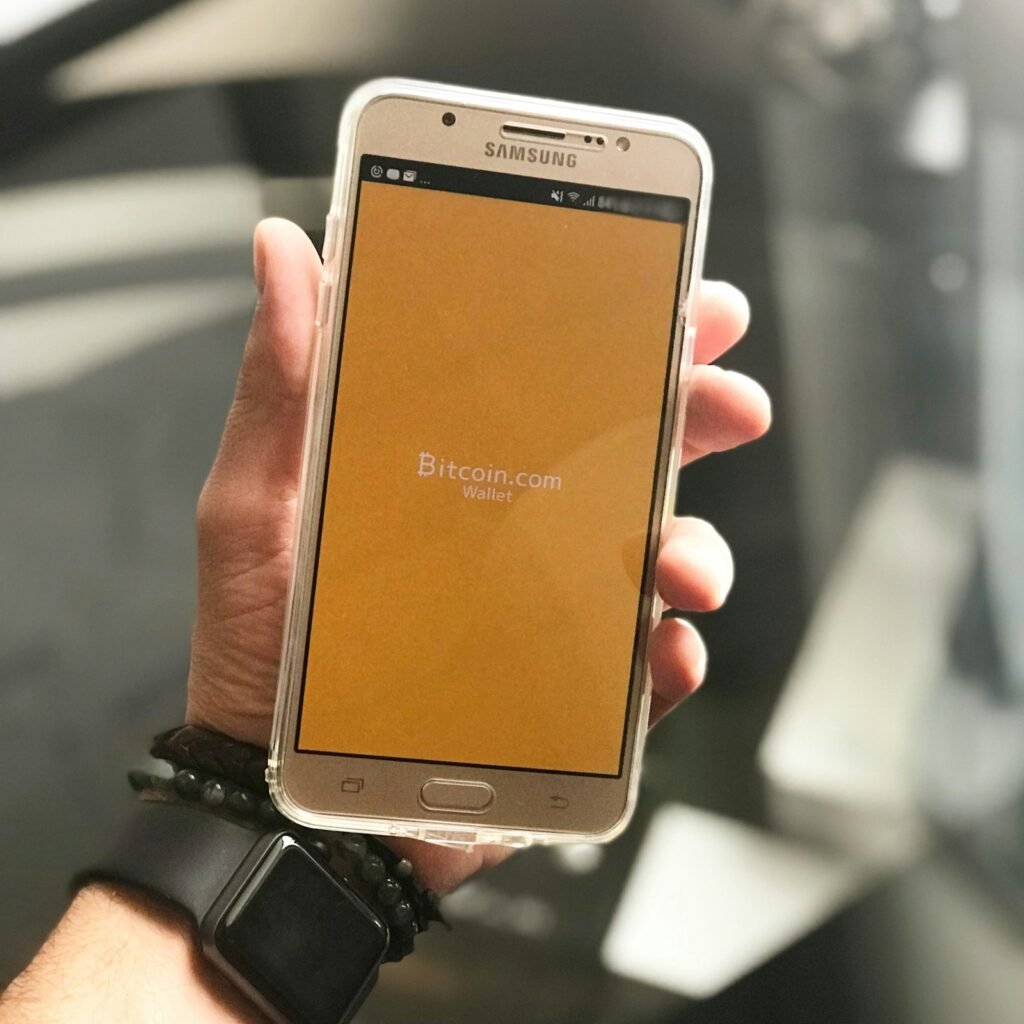
Mobile and browser wallets are free apps or browser extensions. They are convenient for everyday use, paying, trading and connecting to crypto apps. Because the device is online, they are more exposed to malware, phishing sites and fake apps.
Desktop wallets run on your computer and offer more features, but are only as safe as that computer.
Exchange wallets are custodial accounts inside a trading platform. They are the easiest place to start and the most convenient for buying and selling.
Cold wallets (kept offline)
Hardware wallets are small devices, often the size of a USB stick or a credit card, that keep your private keys offline. Transactions are approved by pressing buttons or tapping a screen on the device itself, so malware on your computer cannot sign transactions on its own. Well-known makers include Ledger and Trezor; popular models currently cost roughly $79 to $400. Only buy directly from the manufacturer or an authorised reseller, never second-hand.
Paper wallets, keys printed on paper, are now considered outdated and error-prone. Hardware wallets have largely replaced them.
Newer options
Some wallets use multi-signature setups that need two or more keys to approve a transaction, or smart-contract wallets that allow recovery through trusted contacts. These reduce the “single point of failure” of one recovery phrase, but are more complex to set up.
Hot vs cold: which do you need?
| If you… | Consider |
|---|---|
| Are just starting and buying a small amount | A reputable exchange account with two-factor authentication |
| Want to use crypto apps, NFTs or DeFi | A non-custodial mobile or browser wallet, holding only what you need |
| Hold an amount you would be upset to lose | A hardware wallet for long-term storage |
| Do both | A hot wallet for spending, a cold wallet for savings, like a current account and a safe |
How to choose a wallet
- Check supported coins and networks. Not every wallet supports every blockchain. Sending a coin on the wrong network can mean losing it.
- Check reputation and history. Prefer wallets that have operated for years, are widely used and have had independent security audits.
- Look for open-source code where possible, so security researchers can review it.
- Consider backup and recovery. Understand exactly how you would restore the wallet if your device were lost.
- Understand the fees. Wallets themselves are usually free, but you pay network fees on transactions, and some in-app swaps add a fee on top.
- Download only from official sources. Fake wallet apps regularly appear in app stores and search ads. Use the link on the project’s official website.
How to set up a non-custodial wallet safely
- Download the app from the official website or the link it gives to your app store.
- Create a new wallet and write the recovery phrase on paper, in order, offline. Don’t screenshot it, email it, save it in notes or store it in the cloud.
- Store the paper somewhere safe from fire, water and other people. Consider a second copy in a separate secure place, or a metal backup plate.
- Set a strong PIN or password and turn on biometric lock.
- Send a small test amount first, then check you can send it back before moving larger sums.
The mistakes that cause most losses
- Sharing the recovery phrase. No wallet company, support agent, exchange or “recovery service” will ever need it. Anyone asking for it is trying to steal your funds.
- Storing the phrase digitally. Photos, cloud notes and password-protected documents can be hacked or synced to compromised devices.
- Fake apps and websites. Scammers copy popular wallets exactly. Check the developer name and download count, and bookmark official sites.
- Approving malicious transactions. Connecting your wallet to an unknown site and signing a request can give it permission to drain tokens. Read what you approve and revoke old permissions.
- Wrong address or network. Crypto transfers cannot be reversed. Copy addresses carefully, check the first and last characters, and beware of malware that swaps copied addresses.
- Investment scams. Fake platforms, often promoted by a new “friend” online, are the largest source of crypto losses. Our guide to protecting yourself from online scams explains the warning signs.
Frequently asked questions
Do I need a wallet if I buy crypto on an exchange?
No. Your exchange account already acts as a custodial wallet. Many people later move long-term holdings to their own wallet for more control.
Are crypto wallets free?
Most software wallets are free to download. Hardware wallets cost money upfront. In both cases you pay network fees when you make transactions.
What happens if I lose my phone?
If you use a non-custodial wallet and have your recovery phrase, you can restore the wallet on a new device. Without the phrase, the funds are usually lost permanently.
Can a crypto wallet be hacked?
The blockchain itself is very hard to attack, but wallets can be compromised through stolen recovery phrases, malware, fake apps and malicious transaction approvals. Cold storage and careful habits reduce the risk significantly.
Is one wallet enough?
Plenty of people end up with two, and it’s a sensible setup: a hot wallet with a small balance for everyday use, and a cold wallet for savings you don’t plan to touch. Think of it like the cash in your pocket versus the money in a safe.
This article is for education only and is not financial or investment advice. Cryptocurrency is volatile and largely unregulated in many countries; check the rules where you live and never invest more than you can afford to lose. Prices last checked November 2026.