Samsung Galaxy Unpacked July 2025: What Launched in New York
This is a recap of the July 2025 event, with a practical buying guide for foldable phones and smartwatches in the US and Canada.
Samsung held Galaxy Unpacked in Brooklyn, New York, on July 9, 2025. The Galaxy Z Fold7, Galaxy Z Flip7 and Galaxy Watch8 series were introduced there. The event has finished; this page is not an announcement of an upcoming livestream.
What was announced?
The event covered Samsung’s next generation of foldable phones and smartwatches. Readers can check Samsung’s original event invitation and post-event coverage for the announcement record.
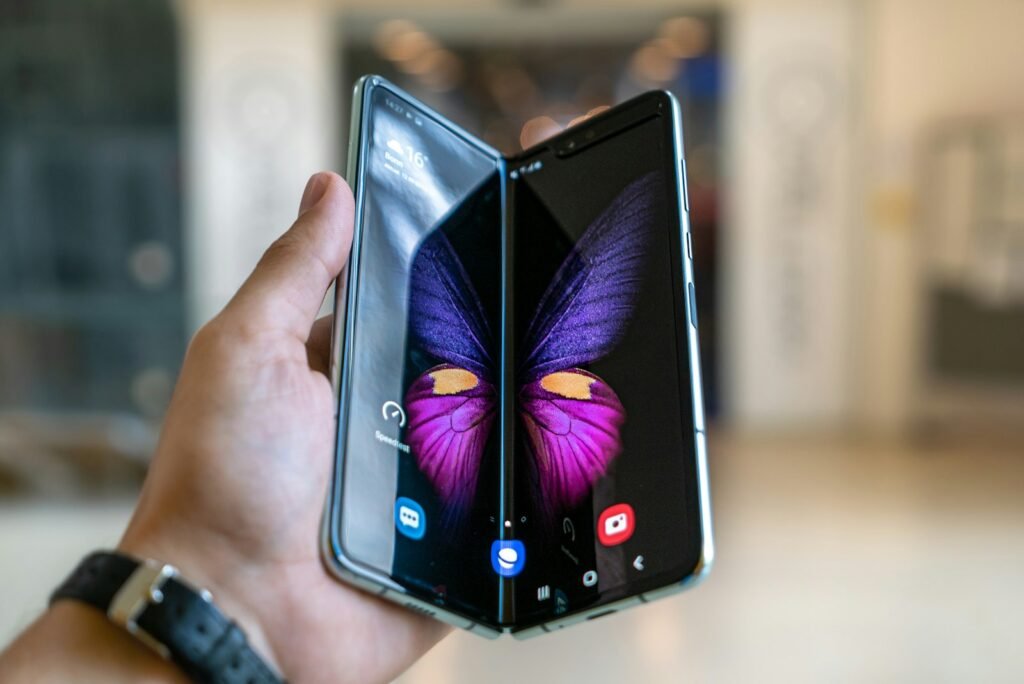
The main devices at a glance
- Galaxy Z Fold7: Samsung’s book-style foldable, which opens into a small tablet. Samsung focused on making it thinner and lighter than earlier Fold models, with a large main camera and Galaxy AI features.
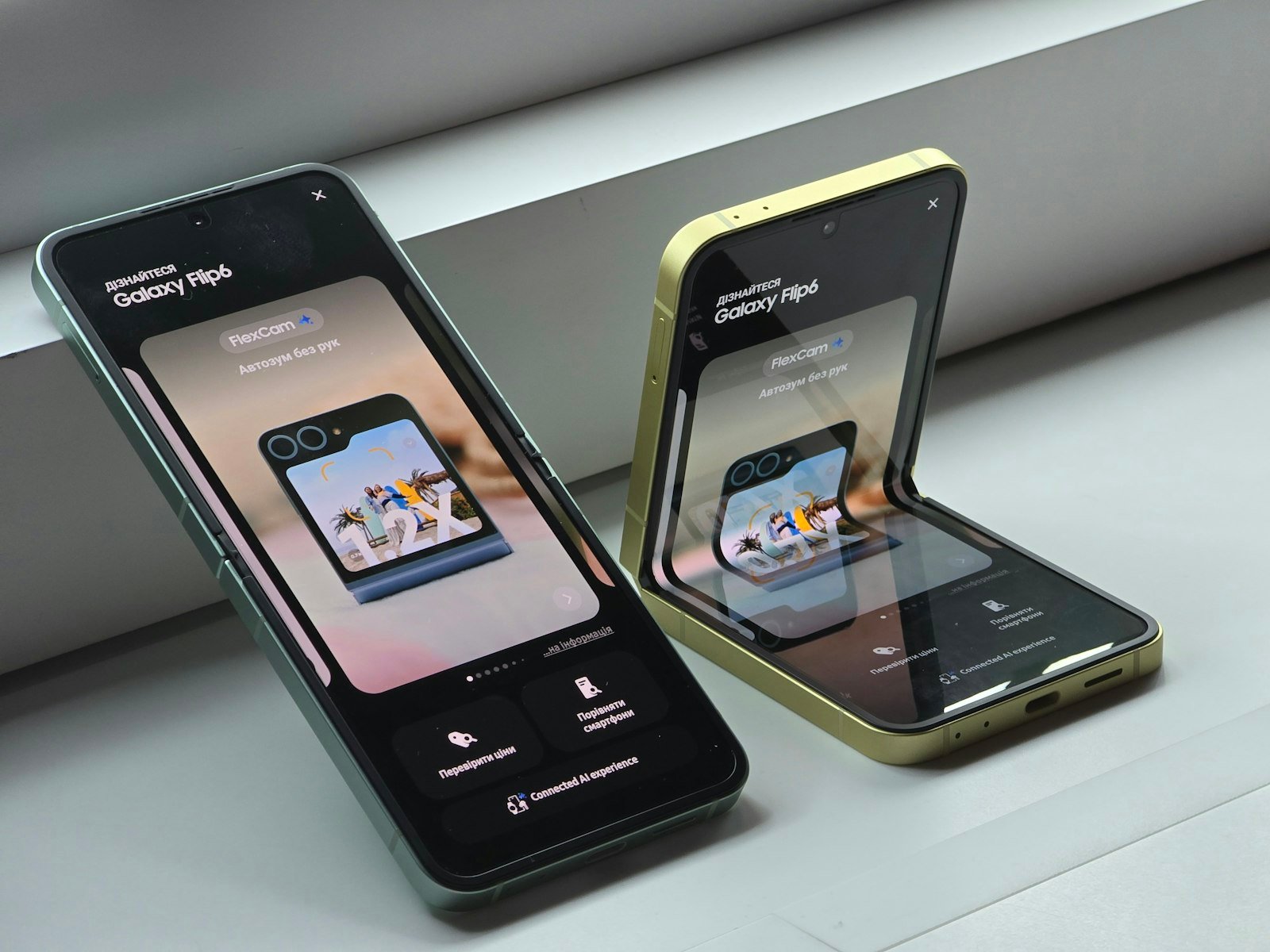
- Galaxy Z Flip7: a compact clamshell phone that folds in half, with a larger cover screen for checking messages, taking selfies and running apps without opening it.
- Galaxy Z Flip7 FE: a lower-priced version of the Flip for buyers who want the form factor for less.
- Galaxy Watch8 and Watch8 Classic: Wear OS smartwatches with health tracking and Google’s Gemini assistant.
Check Samsung’s official specifications pages for exact screen sizes, weights, processors and storage options in your country.
Book-style or flip: which foldable suits you?
| Book-style (Fold) | Clamshell (Flip) | |
|---|---|---|
| Main benefit | A tablet-size screen for reading, documents and multitasking | A full-size phone that folds to pocket size |
| Best for | Work on the go, video, split-screen apps | Style, portability and hands-free photos |
| Trade-offs | Heavier and much more expensive | Smaller battery and fewer camera features than top phones |
Durability: what to know about foldable screens
- The inner screen is softer than glass phones. Avoid pressing hard with nails or sharp objects, and don’t remove the factory screen protector.
- The crease is visible at some angles on all current foldables, though it has become less noticeable.
- Dust and sand can damage hinges; check the official IP rating for water and dust resistance before taking it to the beach.
- Cold weather: very low temperatures can make flexible screens more fragile, worth remembering in a Canadian winter.
Protection plans and repairs
Foldable screen repairs can be expensive. Compare Samsung Care+ with your carrier’s device protection and any coverage from your credit card, looking at the deductible for screen repairs, how many claims are allowed and whether loss or theft is covered. Check whether Samsung authorized repair centers are near you; availability varies between large cities and rural areas in both countries.
Software updates and support
Samsung promises seven years of OS and security updates for its recent flagship phones, including its foldables. Long support makes an expensive phone more worthwhile, because you can keep it safely for years. Before buying any phone, check its update policy on Samsung’s security updates page.
Choosing a Galaxy Watch
- Compatibility: Galaxy Watches work best with Samsung phones and require an Android phone; they don’t work with iPhones.
- Health features: some features, such as ECG and blood pressure monitoring, depend on regulatory approval and may differ between the US and Canada.
- LTE or Bluetooth: LTE models need a carrier plan, which adds a monthly cost.
- Battery life: expect daily or near-daily charging with heavy use.
Buying in the United States or Canada
Use the regional Samsung store and your carrier’s product page to check the exact model, supported network bands, warranty, storage configuration and total price. A US promotion is not automatically available in Canada, and a Canadian price should not be read as US dollars.
Compare the full cost of a device with any trade-in requirements, installment agreement and return conditions. For a foldable, also check repair arrangements and what the warranty says about screen damage. These checks matter more than launch-day speculation.
Trade-ins and carrier deals
- Read the fine print: “free” or heavily discounted foldables often require a new line, a premium unlimited plan and a 24- or 36-month agreement, with the discount paid as monthly bill credits.
- Check what happens if you leave early: remaining device payments usually become due and unpaid credits stop.
- Compare trade-in values from Samsung, your carrier and resale sites; trade-in offers often depend on the phone’s condition.
- Buy unlocked if you switch carriers often or travel abroad, and confirm the model supports your carrier’s network bands.
Should you buy last year’s model instead?
When new foldables launch, previous models often drop in price. An older Fold or Flip still receiving years of updates can be a good value, especially refurbished from Samsung or a reputable retailer with a warranty. Check how many years of updates remain, the battery health on refurbished units and whether the price gap is large enough to give up the newer model’s improvements.
Galaxy AI on foldables
Samsung’s Galaxy AI features, such as Live Translate for calls, Interpreter mode for face-to-face conversations, Circle to Search, photo editing and note summaries, take advantage of foldable screens. On a Fold, Interpreter can show translations on both the main and cover screens so each person sees text facing them. Check which features need an internet connection or a Samsung account, and review the privacy setting to process data only on the device where available.
Accessories worth considering
- A case designed for your exact model: foldable cases must protect the hinge without blocking the fold.
- A charger that matches the phone’s supported speed: many phones no longer include one in the box.
- An S Pen compatible case, if you want to write or sketch and your Fold model supports pen input; check compatibility, because support has changed between generations.
- Screen protector replacements only from Samsung or authorized service centers, since the inner screen protector is part of the display design.
Set up a new Galaxy phone
- Use Samsung Smart Switch to copy apps, photos, messages and settings from your old Android phone or iPhone.
- Move two-factor authentication apps carefully, transferring each account before resetting your old phone.
- Turn on Find My Mobile or SmartThings Find, a screen lock and biometric unlock.
- Review Galaxy AI and privacy settings before using cloud-based features.
- Back up the new phone to Samsung Cloud, Google One or another service.
How to use this archive
This recap documents the 2025 launch. It does not claim that these models are the newest products today or recommend a purchase without checking current alternatives. No hands-on testing is claimed.
Related reading on Insight Tech Talk:
Frequently asked questions
Are foldables durable enough for everyday use?
Recent models are much tougher than early ones, and many owners use them daily for years. They still need more care than a regular slab phone, so a case and a protection plan are worth considering.
Will a Galaxy Watch work with my iPhone?
No. Current Galaxy Watches require an Android phone. Apple Watch is the main option for iPhone users.
Do Canadian and US models differ?
Model numbers, network bands, colors and storage options can differ by country. Buy from Samsung’s site or a carrier in your country to be sure of warranty coverage.
How long does a foldable battery last?
Battery life varies with screen use. Book-style foldables use more power with the big screen open. Independent reviews with mixed-use battery tests are the best guide.
Can I return a foldable if I don’t like it?
Return periods vary by retailer, carrier and province or state, and some charge restocking fees. Check the policy before you buy, and test the phone thoroughly in the first few days.